OTC Market (Over-The-Counter) Plugin for Pocket Option and Quotex
Over-the-counter (OTC) markets are decentralized platforms where financial assets and instruments are traded directly between participants without a central exchange. This means OTC prices are set by the broker rather than a public order book — and, crucially, they keep trading when the real markets are closed.
While the real Forex markets operate Monday to Friday, OTC markets let you trade through the weekend. This guide shows you how to trade automatically on Pocket Option and Quotex OTC markets using the Bibot plugin together with MetaTrader 4/5 and AutobotSignal.
What You’ll Need
- MetaTrader 4 or MetaTrader 5 installed
- The EABibot plugin for your MetaTrader version (download links below)
- The AutobotSignal desktop app connected to Pocket Option or Quotex
Get EABibot for MetaTrader 4 or 5 Download the AutobotSignal desktop app
Step 1 — Allow DLL Imports in MetaTrader 4/5
- Go to Tools → Options → Expert Advisors → Allow DLL imports and check the box.
- Click OK.
Step 2 — Install the Bibot Plugin
- Locate the plugin file
EABibot.ex4/EABibot.ex5in the downloaded folder. - Copy the file.
- Paste it into the MetaTrader data folder: File → Open Data Folder → MQL4/MQL5 → Expert Advisors.
Step 3 — Load the Plugin onto a Chart
- In the Navigator, open Expert Advisors and find EABiBot_Tick.
- Drag the plugin onto any chart to open it.
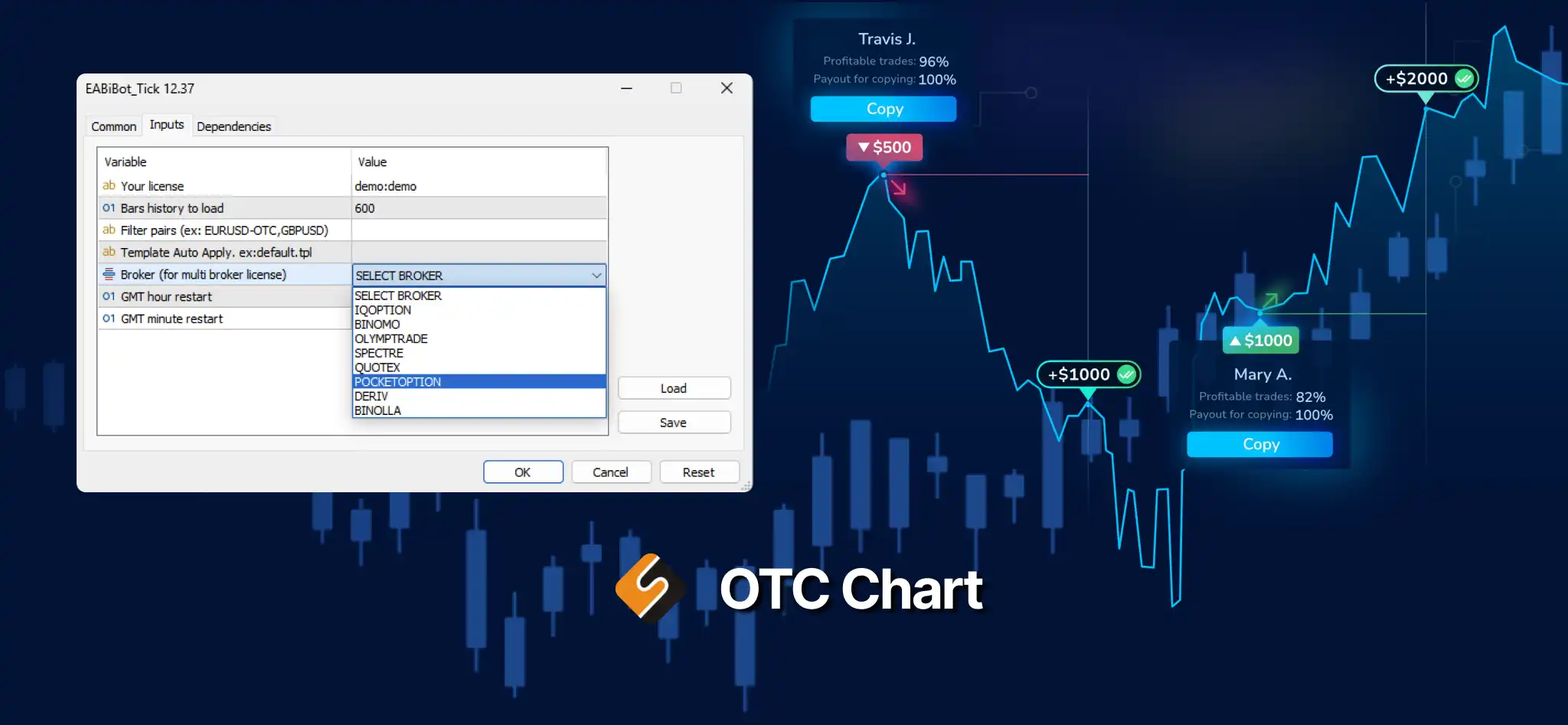
- Choose which OTC broker you want to open (Pocket Option or Quotex), then click OK to close the dialog.
Step 4 — Open the OTC Offline Chart
After loading the Bibot plugin, open an offline chart of the currency pair you want to trade:
- MT5: Click Open Chart. A list of new symbols appears such as
EURJPY-OTCptx,EURUSD-OTCqtx— the-OTCptx/-OTCqtxsuffix tells you which broker each pair belongs to. - MT4: Click Open Chart. A list of new offline-chart symbols appears; choose your desired currency pair.
Once the pair’s graph is open, the Pocket Option or Quotex OTC prices load in, and you can automate your MetaTrader 4/5 indicator signals with AutobotSignal — trading the OTC weekend markets hands-free.
Watch the walkthrough
More on OTC Tick by Bibot
For detailed inquiries on OTC Tick by Bibot, visit their website: https://bibot.live/
Technical support for AutobotSignal is available at support@autobotsignal.io. Automated execution runs on the desktop app only.